

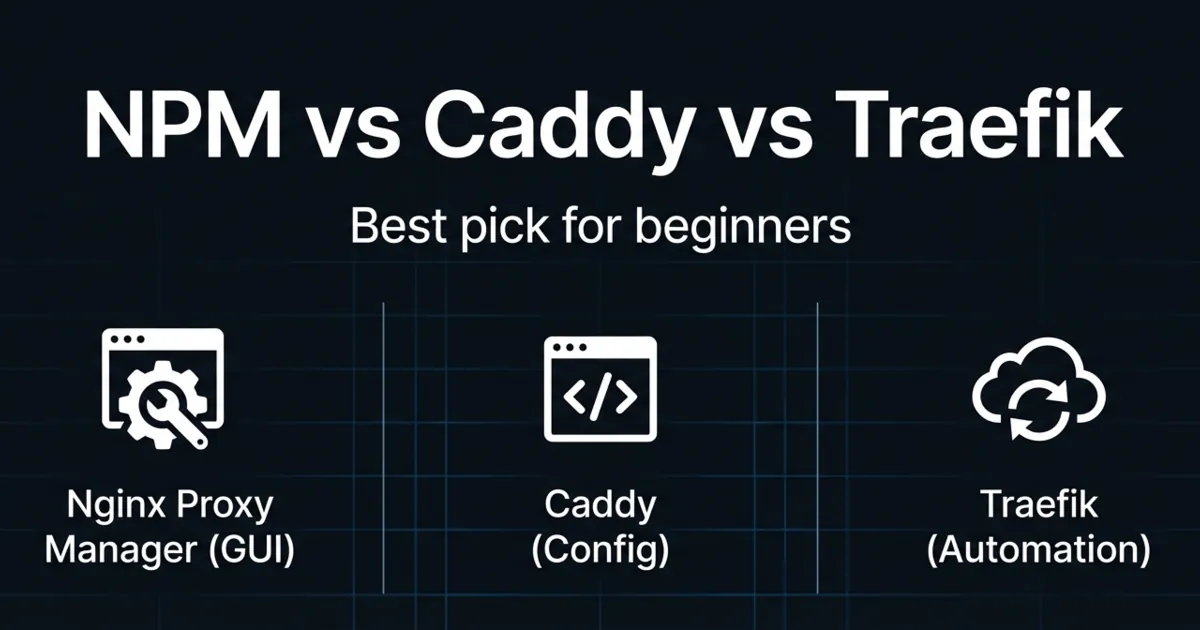
Nginx Proxy Manager vs Caddy vs Traefik is one of those homelab questions that sounds like a preference war, but it actually comes down to how you like to operate.
If you want a dashboard where you click “Add Proxy Host” and you are done, you’ll lean one way. If you want config files that are readable and portable, you’ll lean another. If you want your reverse proxy to auto-discover services as you deploy them, you’ll probably end up with Traefik.
This post will help you pick without regret:
- What each tool is best at
- The common traps that waste weekends
- A simple default setup for most homelabs
Table of Contents
Nginx Proxy Manager vs Caddy vs Traefik: the 30-second recommendation
If you are a beginner running a few services, start with Nginx Proxy Manager.
If you want the cleanest configuration experience and automatic HTTPS, pick Caddy.
If you want automation, multiple routers, and dynamic configuration driven by Docker labels, pick Traefik.
Most people who struggle do not pick “the wrong proxy.” They pick a tool whose operating style does not match their current skill level.
What a reverse proxy actually does (and why you need one)
A reverse proxy sits in front of your self-hosted apps and routes traffic to them.
In homelabs, it usually solves three problems:
- clean URLs (no more :8123, :9090, :3000)
- HTTPS in one place
- a single front door you can secure
If you have not read the basics yet, start with Homelab Networking Basics and Homelab Security.
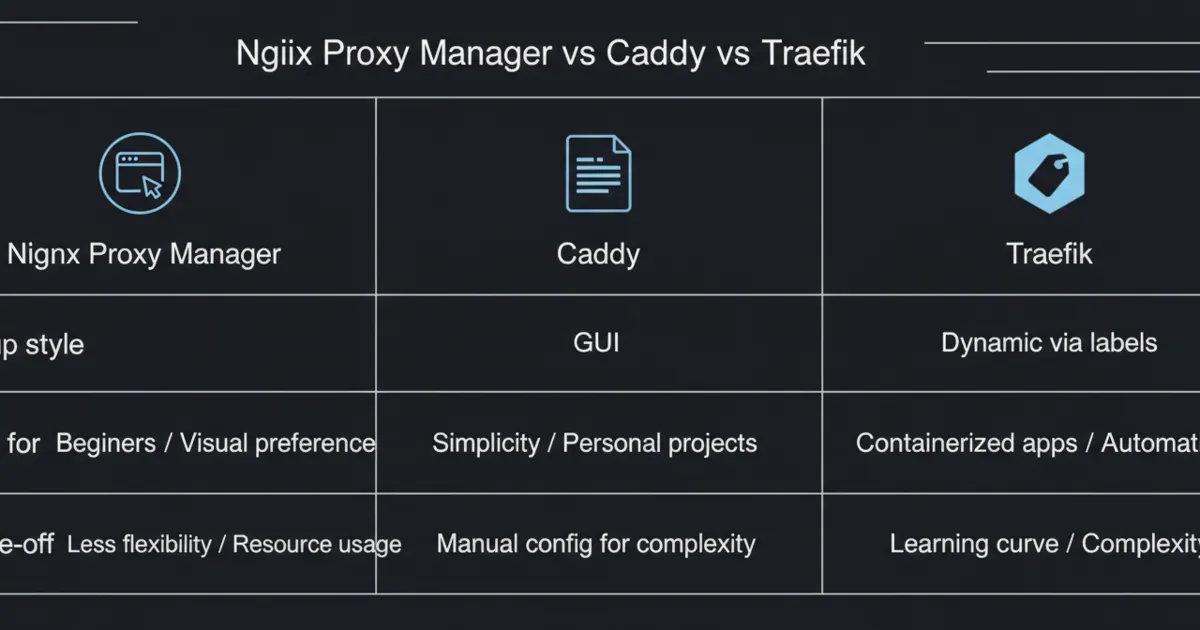
Difference 1: how you configure it (GUI vs file vs labels)
Nginx Proxy Manager
Nginx Proxy Manager is built for a web UI workflow. You add hosts, point them at an internal IP and port, and optionally request certificates.
If you hate YAML and you want quick results, this is the most forgiving path.
Reference:
- Nginx Proxy Manager guide: https://nginxproxymanager.com/guide/
Caddy
Caddy is famous for a clean configuration experience and automatic HTTPS.
Many people like it because a basic site config is readable, and you do not need to memorize a lot of syntax.
Reference:
- Caddy documentation: https://caddyserver.com/docs/
Traefik
Traefik is an application proxy that shines in dynamic environments.
In homelabs, that usually means Docker. You can define routing via labels so apps “register” themselves with the proxy.
Reference:
- Traefik documentation: https://doc.traefik.io/traefik/
Difference 2: automatic HTTPS and certificates
All three can do TLS. The difference is where the complexity lives.
- Nginx Proxy Manager makes TLS feel easy because the UI drives the workflow.
- Caddy is designed around automatic HTTPS, and that is part of why people love it.
- Traefik can do certificates too, but you will usually configure it in a more “infrastructure” way.
Difference 3: Docker friendliness (and how much you want automation)
If your homelab is mostly Docker, Traefik’s label model is hard to beat.
The trade-off is that you need to understand:
- networks
- labels
- entrypoints
- routers and services
Caddy and Nginx Proxy Manager can work with Docker too, but you typically wire them in more manually.
Difference 4: security posture (auth, rate limits, and blast radius)
A reverse proxy is a security control, but it can also become a single point of failure.
A beginner-friendly approach:
- keep services LAN-only
- use VPN for remote access
- expose only what you can defend
Where each tool usually lands:
- Nginx Proxy Manager: easiest path to “HTTPS everywhere,” but you still need to think about auth.
- Caddy: simple HTTPS and clean config, great for a few well-defined services.
- Traefik: great for automation, but you must be disciplined about labels and defaults.
Internal links that help:
A common mistake is using a reverse proxy as your only control. For anything sensitive, layer controls:
- VPN for admin access
- strong auth for user-facing apps
- keep admin UIs off the public internet
Difference 5: troubleshooting and “how fast you get unstuck”
When your proxy fails, everything looks down.
So the real question is: how quickly can you debug it?
- Nginx Proxy Manager: the UI is friendly, but debugging still becomes “what is Nginx doing?”
- Caddy: configs are readable, so you can often reason from the file.
- Traefik: powerful dashboards exist, but the mental model is bigger.
Difference 6: portability (moving to a new server)
Portability matters when you rebuild.
- Caddy configs move cleanly with your repo.
- Traefik setups can be very portable if everything is defined in compose labels.
- Nginx Proxy Manager can move too, but you need to back up its data and be disciplined.
A practical homelab rule:
- If you cannot rebuild your reverse proxy in under 30 minutes, you have too much hidden state.
That usually means you need better backups, cleaner config storage, or both.
This is why Homelab Backups matters before you go all-in.
Difference 7: when you should avoid each one
Avoid Nginx Proxy Manager when:
- you want everything in code and reviewed in Git
- you run a large number of services and want them to auto-register
Avoid Caddy when:
- you want a GUI-first workflow
- you expect lots of dynamic service discovery without additional tooling
Avoid Traefik when:
- you are brand new and just want one thing to work today
- you will not invest time learning its model
A simple default reverse proxy setup (most homelabs)
For most people:
- Start with Nginx Proxy Manager
- Put it on the same Docker host as your services
- Keep it LAN-only until you have VPN access working
This is the “minimum viable reverse proxy.” Once you can route one app with HTTPS, you can copy the pattern to the rest.
A practical default architecture:
- One Docker network for “proxy-facing” services
- One internal network for databases and private backends
- A DNS name per app (even if it is only local DNS)
This setup scales because it keeps your routing predictable.
Then level up:
- Move configs to version control
- Standardize hostnames and DNS
- Add authentication for anything sensitive
- Add rate limiting for anything public
If you want an advanced reference point for “everything in code,” GitOps-style homelabs manage their proxy and apps from a repo.
Reference:
- Example GitOps homelab repo: https://github.com/khuedoan/homelab
FAQ
Is Nginx Proxy Manager vs Caddy vs Traefik a common homelab debate?
Yes. On r/selfhosted and similar communities, it shows up constantly because reverse proxies sit at the center of HTTPS, domains, and remote access.
Do I need a domain name to use a reverse proxy?
Not strictly. You can use local DNS or even hosts files, but a real domain plus DNS makes HTTPS and clean URLs much easier.
Which reverse proxy is best for beginners?
Nginx Proxy Manager is usually the easiest starting point because it is GUI-driven and requires less upfront model-building.
Is Caddy better than Nginx Proxy Manager?
It depends. Caddy is often loved for clean config and automatic HTTPS. Nginx Proxy Manager is loved for the UI workflow.
Is Traefik only for Kubernetes?
No. Traefik is very popular with Docker homelabs because it can route based on labels and auto-discover services.
Do I need to expose ports 80 and 443 to use a reverse proxy?
Not if you keep it LAN-only or access it via VPN. Public exposure should be a deliberate decision.
What is the biggest mistake people make with reverse proxies?
Exposing too many services too early, without a plan for auth, updates, and backups.
Next steps
Pick the tool whose workflow matches your current homelab.
If you want the fastest win, start with Nginx Proxy Manager and keep it local-only. If you want clean config, pick Caddy. If you want automation with Docker labels, learn Traefik.
Once you have one service working behind a reverse proxy with HTTPS, the rest of your self-hosted apps get much easier to manage.
If you want to go deeper next, the next upgrade is learning DNS and certificates properly, because that is where most “it works on my LAN but not remotely” pain comes from.