

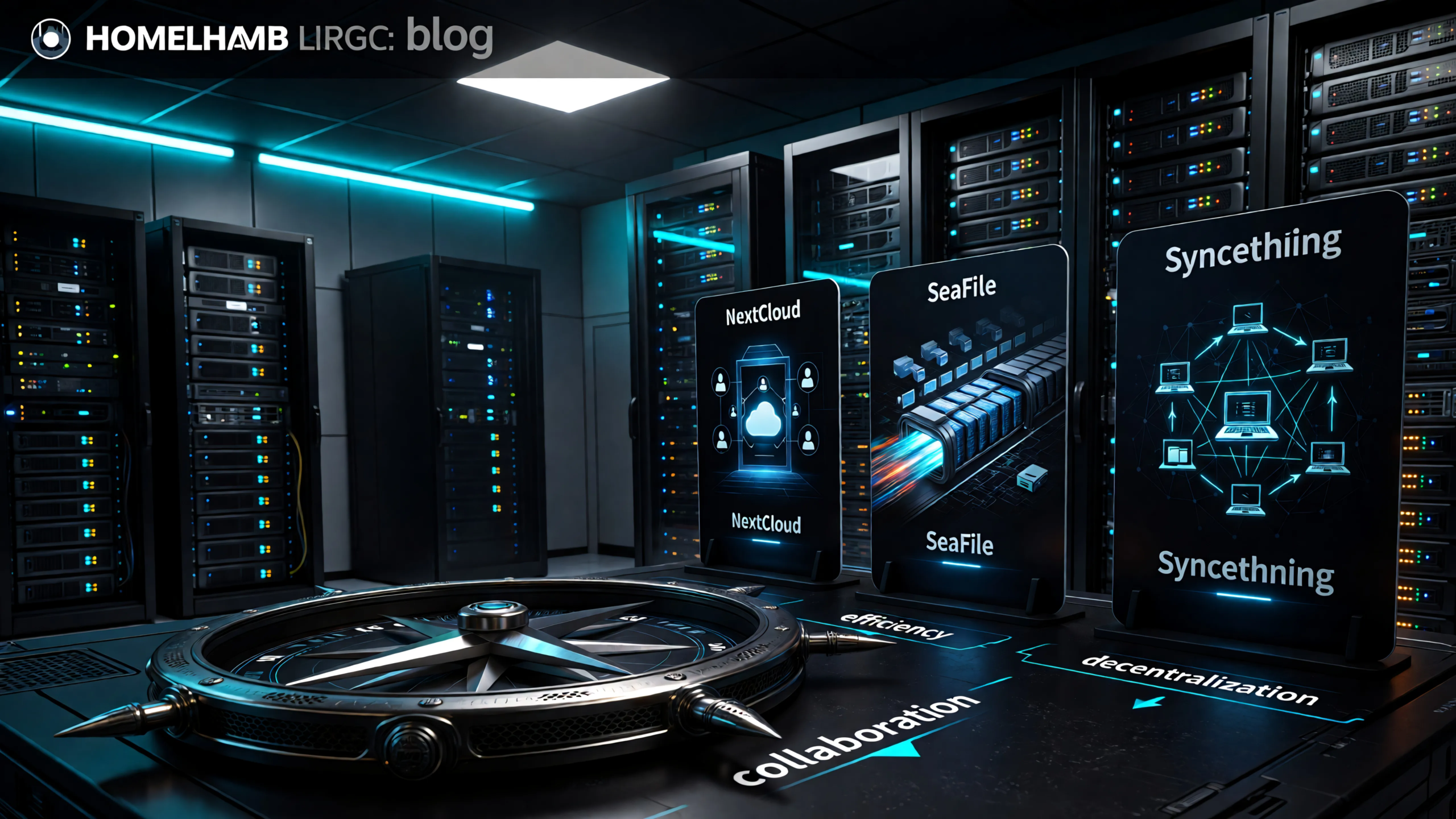
If you are trying to choose between Nextcloud, Seafile, and Syncthing, the confusing part is that all three look like “self hosted cloud storage.” In practice, they are three different tools with three different priorities.
This nextcloud vs seafile vs syncthing guide gives you a practical answer fast: choose based on workflow, not feature checkboxes. If you pick the wrong one early, you can still recover, but it is easier to start with the right model.
Quick Verdict
- Choose Nextcloud if you want a true private cloud portal for family or team use, browser access, and broad app integrations.
- Choose Seafile if you care most about fast, efficient file sync with a cleaner, lighter operational profile than a full cloud suite.
- Choose Syncthing if you want direct device to device syncing with no central storage server requirement.
For many beginners, this is the default order:
- Nextcloud for an all in one private cloud experience.
- Seafile for sync performance with less platform overhead.
- Syncthing for decentralized replication and technical users.
What Each Tool Is Actually Built For
Nextcloud: your private cloud platform
Nextcloud is not just file sync. It is a broader self-hosted collaboration stack with file sharing, mobile and desktop clients, web UI, and a large app ecosystem. That scope is why many homelab users start there.
The tradeoff is operational weight. Nextcloud has more moving parts and stronger dependency expectations for web server, PHP, and database tuning. Its official documentation is clear on system requirements and runtime dependencies, and you should treat those as baseline guidance instead of optional extras: https://docs.nextcloud.com/server/stable/admin_manual/installation/system_requirements.html.
If your goal is “replace parts of Google Drive for a household or small team,” Nextcloud is often the best fit.
Seafile: sync and storage efficiency first
Seafile is built with a file-sync-first mindset. It tends to feel fast in day to day use, especially with large file sets and frequent edits, because of how it stores and transfers data in blocks.
The Seafile data model describes this chunked approach and why it supports efficient deduplication and transfer behavior: https://manual.seafile.com/latest/develop/data_model/.
In simple terms, Seafile is often a sweet spot for people who want:
- serious sync performance,
- less overhead than a full collaboration suite,
- and a stable, focused file platform.
Syncthing: decentralized device mesh
Syncthing is a different category. It is peer to peer synchronization between trusted devices. There is no mandatory central cloud server holding your files. It can use discovery and relay infrastructure for connectivity, but those are not your data store.
Relevant docs for how this works:
- Discovery: <https://docs.syncthing.net/users/stdiscosrv.html>
- Relay behavior: <https://docs.syncthing.net/users/relaying.html>
If your goal is “keep folders mirrored across devices I control,” Syncthing is excellent.
If your goal is “family cloud with links, permissions, and polished browser UX,” Syncthing is usually not enough by itself.
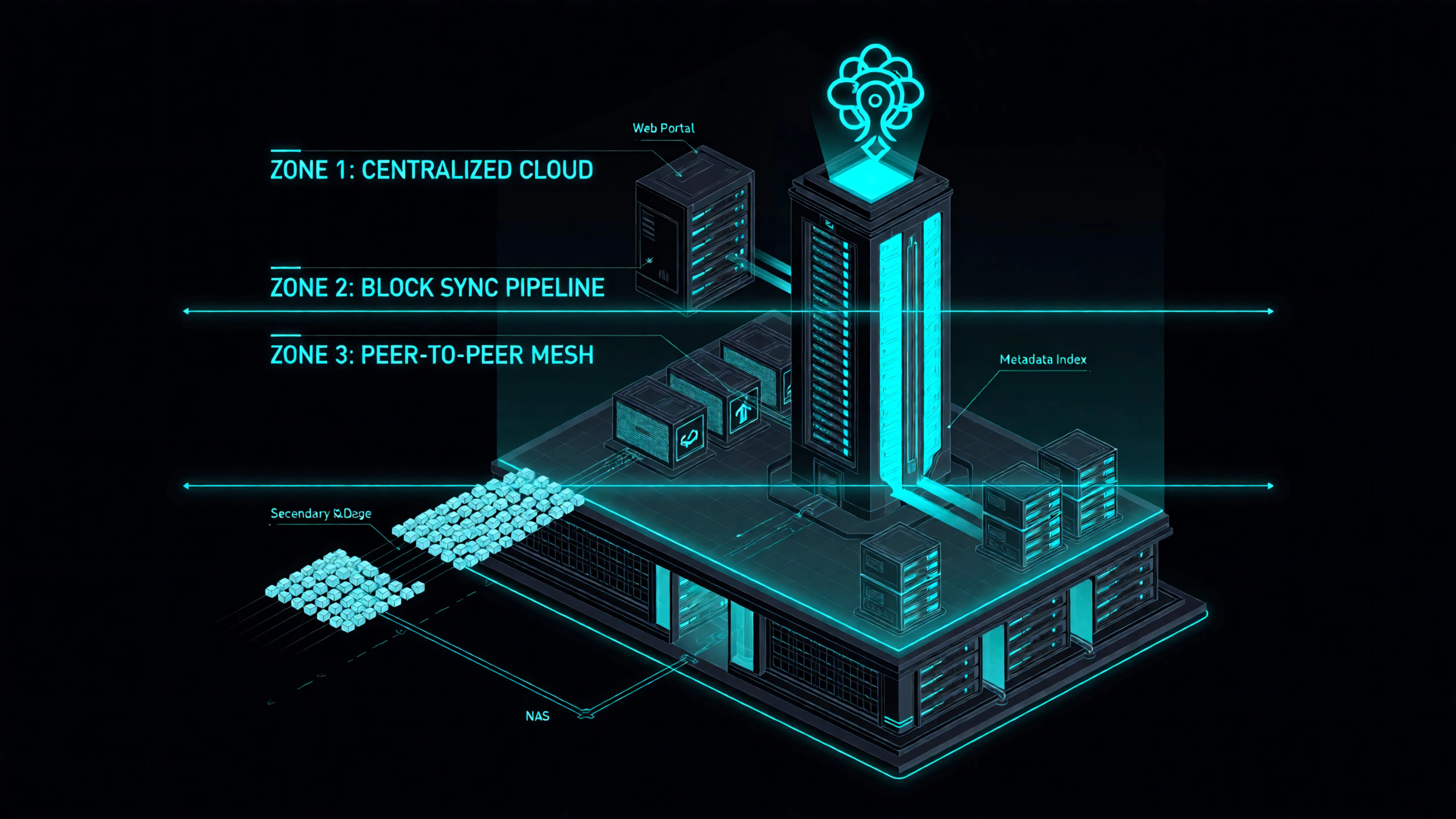
Setup and Maintenance Reality
Most comparison posts focus on feature grids. Homelab reality is maintenance load.
Nextcloud setup profile
Nextcloud setup can be smooth, but long term quality depends on stack hygiene: DB health, PHP settings, background jobs, and regular updates. If you enjoy full platform administration, that is fine. If you want minimal babysitting, plan for some tuning work.
Seafile setup profile
Seafile is generally simpler to run for its core purpose. You still need backups and update discipline, but there are fewer “suite platform” concerns compared to Nextcloud.
Syncthing setup profile
Syncthing is easy to start and can get complex later if you run many devices with nuanced folder policies. You need a clear model for folder ownership, versioning, and conflict handling. It is excellent when you want explicit control.
A practical rule: if you are still learning service operations, do not run all three at once. Pick one primary platform and make it stable first. That aligns well with growing your homelab in layers rather than chaos: https://homelabaddiction.com/grow-your-homelab/.
Performance and Resource Use
Why Seafile is often called “faster”
When users compare Nextcloud and Seafile, Seafile often feels more responsive for pure file sync workflows. Architecture is the reason. Seafile’s block oriented model reduces unnecessary transfer and storage duplication in many real workloads.
Nextcloud performance expectations
Nextcloud can perform well, but it rewards good infrastructure choices. Underpowered hardware and untuned defaults can make it feel sluggish, then users blame the app. If you run Nextcloud, give it the resources and tuning it asks for.
Syncthing performance behavior
Syncthing can be extremely efficient for direct sync, especially across trusted devices with reliable paths. It avoids the central server bottleneck model entirely. But behavior depends on topology and connectivity quality, so network fundamentals matter: https://homelabaddiction.com/homelab-networking-basics/.
Sharing and Collaboration Features
This is where many people choose incorrectly.
- Nextcloud is strongest for browser first sharing, multi user collaboration patterns, and familiar cloud style UX.
- Seafile supports sharing workflows well, but it remains more file platform than broad collaboration suite.
- Syncthing is best viewed as synchronization plumbing, not a polished sharing portal.
If your household asks for “send me a web link” and “access from browser when I am away,” Nextcloud or Seafile generally fits better than Syncthing alone.
If your workflow is “my laptop, desktop, NAS, and backup node should always match this folder tree,” Syncthing shines.
Security Model Differences
Security is not one checkbox. It is trust boundaries.
Nextcloud and Seafile
Both are centrally hosted models. That means you secure the server perimeter, patch on schedule, and enforce least privilege. Strong hygiene from your homelab security baseline is mandatory: https://homelabaddiction.com/homelab-security/.
Syncthing
Syncthing shifts trust toward device identity and peer relationships. You are not hardening one public cloud portal in the same way, but you are managing a trust mesh between endpoints. That can be safer for some users and riskier for others, depending on device discipline.
No matter which platform you choose, do not skip backup policy. Sync is not backup. You still need retention, restore drills, and a simple plan like 3-2-1 principles: https://homelabaddiction.com/homelab-backups/.
Practical Feature Matrix
| Criteria | Nextcloud | Seafile | Syncthing |
|---|---|---|---|
| Core model | Private cloud suite | File sync platform | Peer-to-peer sync |
| Central web portal | Strong | Strong enough for file workflows | Minimal by design |
| Collaboration breadth | High | Medium | Low |
| Raw sync efficiency | Medium to high (depends on tuning) | High | High |
| Resource footprint | Higher | Lower to medium | Low to medium |
| Central server required | Yes | Yes | No (optional helper infra) |
| Best for non technical family users | High | Medium | Low |
| Best for direct multi-device mirroring | Medium | Medium | High |
| Admin complexity at scale | Medium to high | Medium | Medium (policy complexity grows with devices) |
| “All in one private cloud” fit | Excellent | Good | Limited |
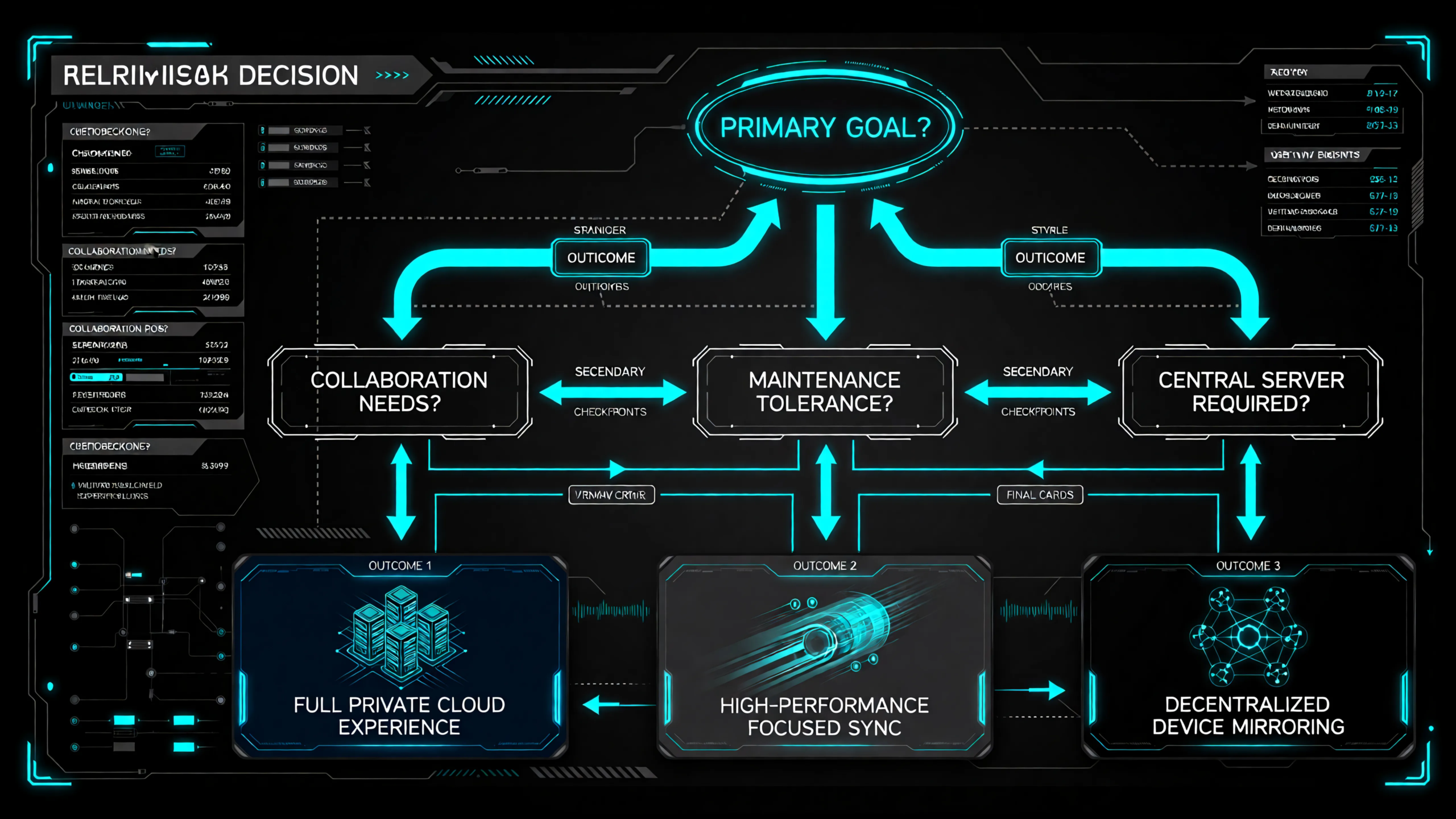
Decision Playbook: Which One Should You Choose?
Choose Nextcloud if…
- You want a single private cloud destination for files, sharing, and web access.
- You expect non technical users.
- You are comfortable running a fuller application stack.
Choose Seafile if…
- You value fast, focused file sync over broad suite features.
- You want lower overhead than a large collaboration platform.
- Your workload includes many files and frequent updates.
Choose Syncthing if…
- You want decentralized, direct synchronization among your own devices.
- You do not need a cloud style web portal as the center of the experience.
- You prefer explicit device trust and folder replication control.
Hybrid patterns that actually make sense
Some hybrid patterns are useful and not overkill:
- Nextcloud for sharing + Syncthing for backend replication between trusted nodes.
- Seafile as primary cloud + Syncthing for a small subset of high churn technical folders.
The anti pattern is stacking all three without a reason. Complexity grows faster than value.
If You Pick Wrong First, Here Is a Safe Migration Path
- Stabilize a clean data layout first
– Separate active documents, media, and archives into predictable top-level folders.
- Pilot with one folder class
– Migrate only documents or only photos first.
- Keep old platform read only during transition
– Prevent accidental divergence.
- Validate from client side, not server side only
– Test mobile, laptop, and remote access behavior.
- Cut over in phases
– Do not move everything in one weekend panic session.
This process is slow on purpose. It avoids data confusion and trust loss.
Final Recommendation
There is no universal winner in nextcloud vs seafile vs syncthing. The right pick depends on your operating model:
- pick Nextcloud for full private cloud experience,
- pick Seafile for focused high-performance file sync,
- pick Syncthing for direct decentralized replication.
If you are a beginner building a practical homelab, start with the tool that matches your primary workflow today, then grow from there. If you are still planning your first few services, this guide will help you sequence that work: https://homelabaddiction.com/what-to-self-host-first/.
FAQ
Is Nextcloud too heavy for a mini PC homelab?
It can run well on modest hardware, but only if you respect its requirements and tune accordingly. If you want lower operational overhead for pure sync, Seafile is often easier.
Can Syncthing replace Nextcloud completely?
For direct folder sync between trusted devices, yes. For cloud-style sharing, browser workflows, and broader collaboration features, usually no.
Why does Seafile often feel faster than Nextcloud for sync?
Architecture. Seafile is optimized around file sync behavior, including block-oriented storage concepts that reduce unnecessary transfer in many workloads.
Which one is best for family photo backup and sharing?
If family members want easy web access and links, Nextcloud is usually the smoother choice. If your primary goal is fast sync with less platform overhead, Seafile is a strong option.
Is sync enough, or do I still need backups?
You still need backups. Sync replicates current state, including accidental changes. Keep versioned backups and test restores regularly.
Should beginners self-host all three?
No. Start with one, run it well, then add a second tool only when you can describe the missing capability in one sentence.

1 Comment
Pingback: Immich vs PhotoPrism: Best Self-Hosted Photo Backup for Beginners - HomeLabAddiction