

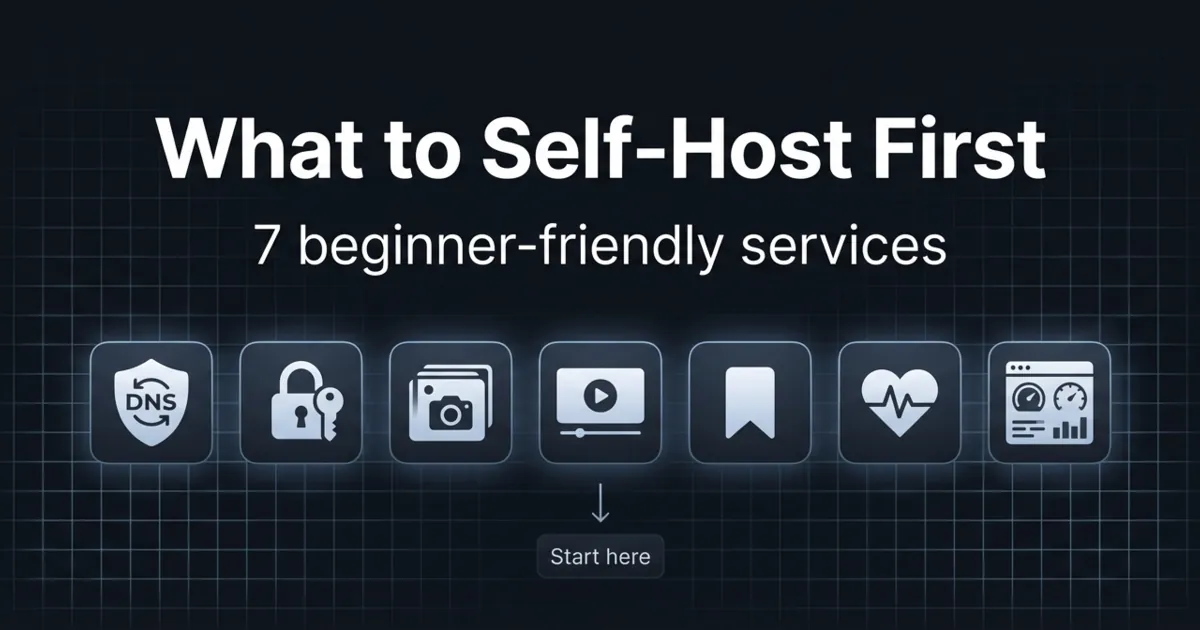
What to self-host first is not really a tech question. It is a maintenance question.
The best first services are the ones you will keep running after the novelty wears off. That usually means they are useful every day, forgiving when you mess up, and easy to restore.
In this post, you will get:
- 7 services that are beginner-friendly and genuinely useful
- A simple way to choose based on your goals
- The mistakes that make people quit self-hosting
What to self-host first (the quick decision rule)
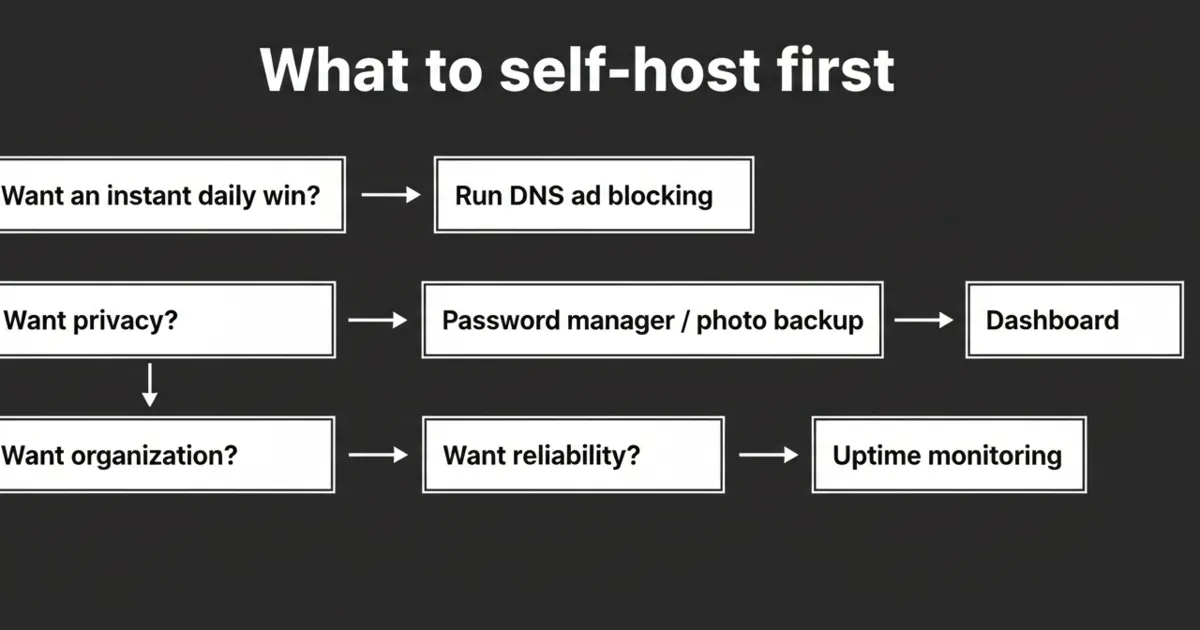
If you only pick one, pick something that improves your daily life without being internet-facing.
A great first target is local-only, low-risk, and easy to roll back.
1) DNS ad blocking (Pi-hole or AdGuard Home)
DNS ad blocking is one of the highest ROI things you can run at home. You set it up once, then every device benefits.
Why it is a good first project:
- It is useful immediately.
- It is local by default.
- Backups are simple.
Start here:
- Pi-hole documentation: https://docs.pi-hole.net/
- AdGuard Home documentation: https://github.com/AdguardTeam/AdGuardHome
2) A password manager you control (Vaultwarden)
A self-hosted password manager is a strong privacy win. Vaultwarden is a lightweight server compatible with Bitwarden clients.
Why it works early:
- Clear value if you already use a password manager.
- Easy to move between servers because the data is small.
Start here:
- Vaultwarden project page: https://github.com/dani-garcia/vaultwarden
3) A homepage dashboard (Homepage or Homarr)
A dashboard is not critical, but it makes your homelab feel organized.
It is also a safe practice project for learning Docker volumes, environment variables, and reverse proxies later.
4) Photo backup (Immich)
Photo backup is the kind of service that becomes a long-term keeper if you set it up with a real backup plan.
Start here:
- Immich documentation: https://immich.app/docs
5) Media server (Jellyfin)
If you already have a media library, Jellyfin is an easy win.
Start here:
- Jellyfin documentation: https://jellyfin.org/docs/
6) Notes and bookmarks (Linkding or a notes app)
A small self-hosted app you use daily is more important than a complex app you open once a month.
Linkding is a great example because it is simple, fast, and easy to back up.
7) Monitoring (Uptime Kuma)
Once you run more than a couple services, you want to know when something is down.
Uptime Kuma is lightweight and makes failures obvious without needing an enterprise monitoring stack.
The 3 mistakes that make beginners quit
Mistake 1: starting with an internet-facing app
Keep your first wins inside your LAN.
When you go public, the security and networking requirements jump.
Mistake 2: not knowing where your data lives
Before you celebrate, answer this: If this server dies tonight, what do I restore and from where?
Mistake 3: doing too many things at once
Pick one service. Make it boring and stable. Then add the next.
FAQ
What to self-host first if I am a complete beginner?
Start with DNS ad blocking or a dashboard. They are low-risk and give you a quick win.
What to self-host first for privacy?
A password manager and photo backup are strong privacy wins, but only if you back them up properly.
What to self-host first on a Raspberry Pi?
Pi-hole, a dashboard, and Uptime Kuma are all reasonable first services on small hardware.
What should I avoid self-hosting first?
Avoid anything internet-facing or state-heavy without a backup plan. Those projects fail for beginners the most.
Next steps
Pick one service from this list and set it up in the simplest way possible. Before you move on, write down your backup and restore steps in plain language.
If you can restore it after deleting the container or rebooting the VM, you have built a real homelab skill.